Stretchly is a good app. It's free, it's open source, and it runs on Mac, Windows and Linux.
It has one gap that bothers a lot of Mac users, though: it doesn't know when you're on a call. You can give it a list of apps to pause for, but out of the box a full-screen break can land in the middle of a Zoom meeting. That's usually the moment people turn a break reminder off for good.
We make Meander, a free break reminder built only for the Mac, so take our view with that in mind. The facts about Stretchly come from its own GitHub page, linked at the end.
Meander and Stretchly compared
| Meander | Stretchly | |
|---|---|---|
| Price | Free | Free, with extra settings for supporters |
| Built for | Mac only, as a native app | Mac, Windows and Linux, built on Electron |
| Waits for calls and videos | Yes, on its own | Pauses for Do Not Disturb, or apps you list yourself |
| Waits for games, screen sharing and typing | Yes | Only for apps you list |
| Counts breaks you take yourself | Yes, when you lock your Mac, let it sleep or step away for 5 minutes | Pauses breaks after 5 minutes idle |
| Heads-up before a break | A card at the top of the screen and a countdown by your pointer | A notification before each break |
| Blink and posture reminders | Yes | No |
| Stats | Your work stretches for today and the last 7 days | Not listed |
| Account or data collected | None | None needed |
Where Meander is better
The big one is that Meander doesn't interrupt you, and you don't have to set anything up for that. When your microphone or camera is in use, a video is playing, a game is in front, your screen is shared or you're typing, it holds the break until you're done. It only checks whether those things are happening, never what's in them, which is why it doesn't ask for any permissions.
It also behaves like a Mac app, because it is one. It lives in the menu bar, follows your light or dark appearance, and the download is under 3 MB. Stretchly is built on Electron, so it carries a copy of a web browser around with it.
Between breaks, Meander can nudge you to blink or sit up, and its Stats page shows how much of your work time came before a break was due. None of it is held back for supporters.
Where Stretchly is better
If you switch between a Mac at work and a Windows or Linux machine at home, Stretchly works the same on all of them, and Meander can't help you there. It's also open source, so you can read and change every line.
If either of those is what you care about most, stick with Stretchly.
Switching from Stretchly
- Quit Stretchly and remove it from your login items in System Settings.
- Download Meander and drag it to Applications.
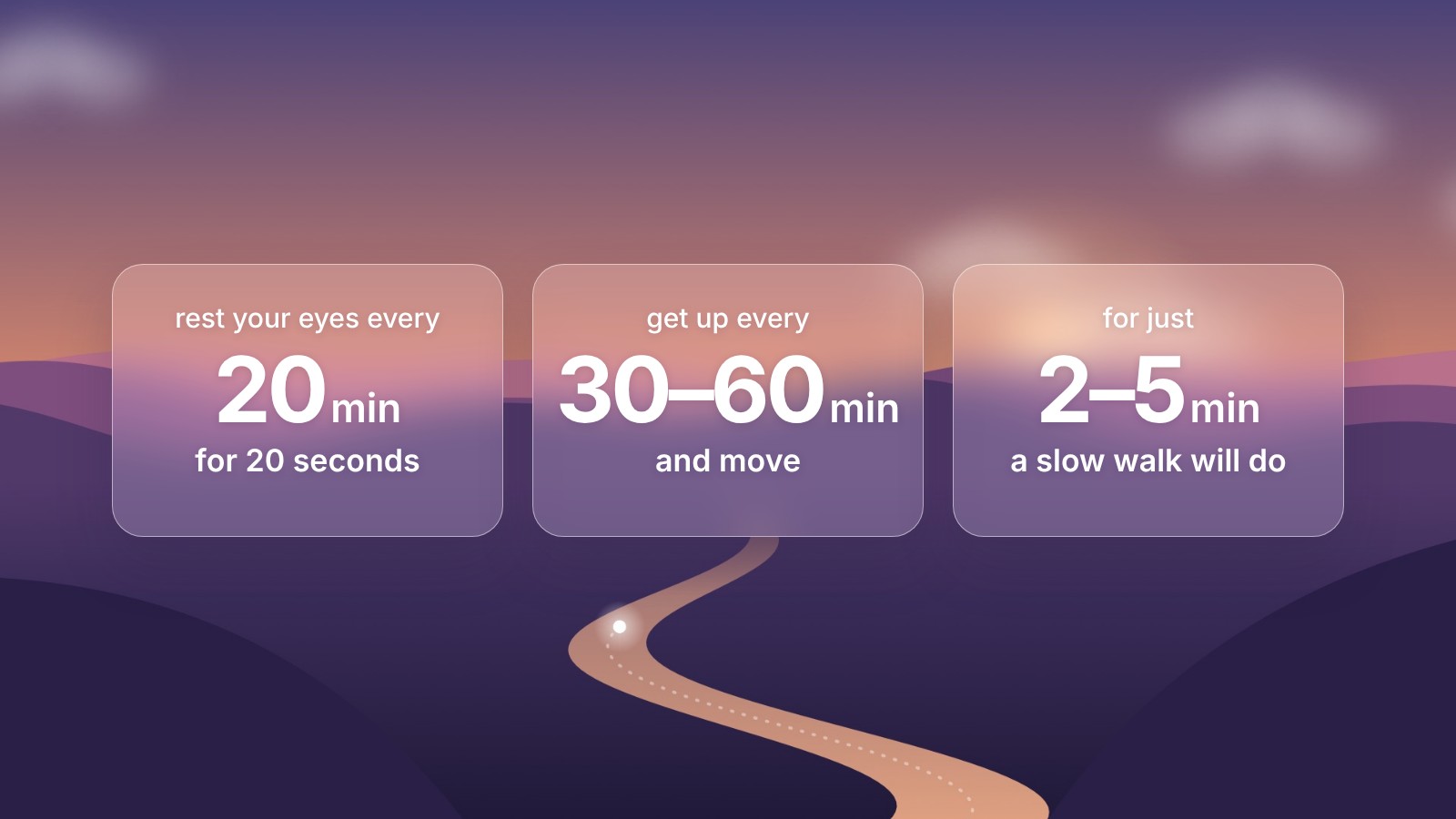
- Pick your rhythm in Settings. Stretchly's defaults are a 20-second break every 10 minutes and a 5-minute break every 30. Meander starts at 5 minutes every hour, and you can change both.
If you're not sure what timing to pick, our guide to how often to take breaks from the computer walks through what the research says. For a wider look, see our comparison of the best break reminder apps for Mac.
Sources
- Stretchly on GitHub, checked November 2026
- Meander and its privacy policy