A break reminder does one small job. Every so often it tells you to look away from the screen or get up, so you don't have to keep track yourself. The hard part is that most of them do this at the worst possible moment, and that's usually why people stop using them.
We looked at five of the most popular ones for the Mac and compared what they cost, what they collect, and whether they'll interrupt you mid-call. We make Meander, one of the five, and it's our pick. That's an obvious conflict of interest, so every fact below links to the app's own page or App Store listing (checked in November 2026), and you can judge for yourself.
At a glance
| Price | Needs | Waits for calls and videos | Counts breaks you take yourself | Blink and posture reminders | What it collects | |
|---|---|---|---|---|---|---|
| Meander | Free | macOS 13 | Yes, automatically | Yes | Yes | Collects no data, per its privacy policy |
| Stretchly | Free, extra settings for supporters | macOS 13, Windows, Linux | Pauses for Do Not Disturb, or apps you list | Pauses when you're idle | No | No App Store label |
| BreakTimer | Free | macOS, Windows, Linux | No | Yes, after idle time | No | No App Store label |
| Time Out | Free, supporter plans from $1.99 a month | macOS 26 | No | Yes, "natural breaks" | No | Name, email and diagnostics, linked to you |
| LookAway | 7-day trial, then from $19 once, or an App Store plan | macOS 13 | Yes, automatically | Yes | Yes | Usage and diagnostics, not linked to you |
Meander, our pick
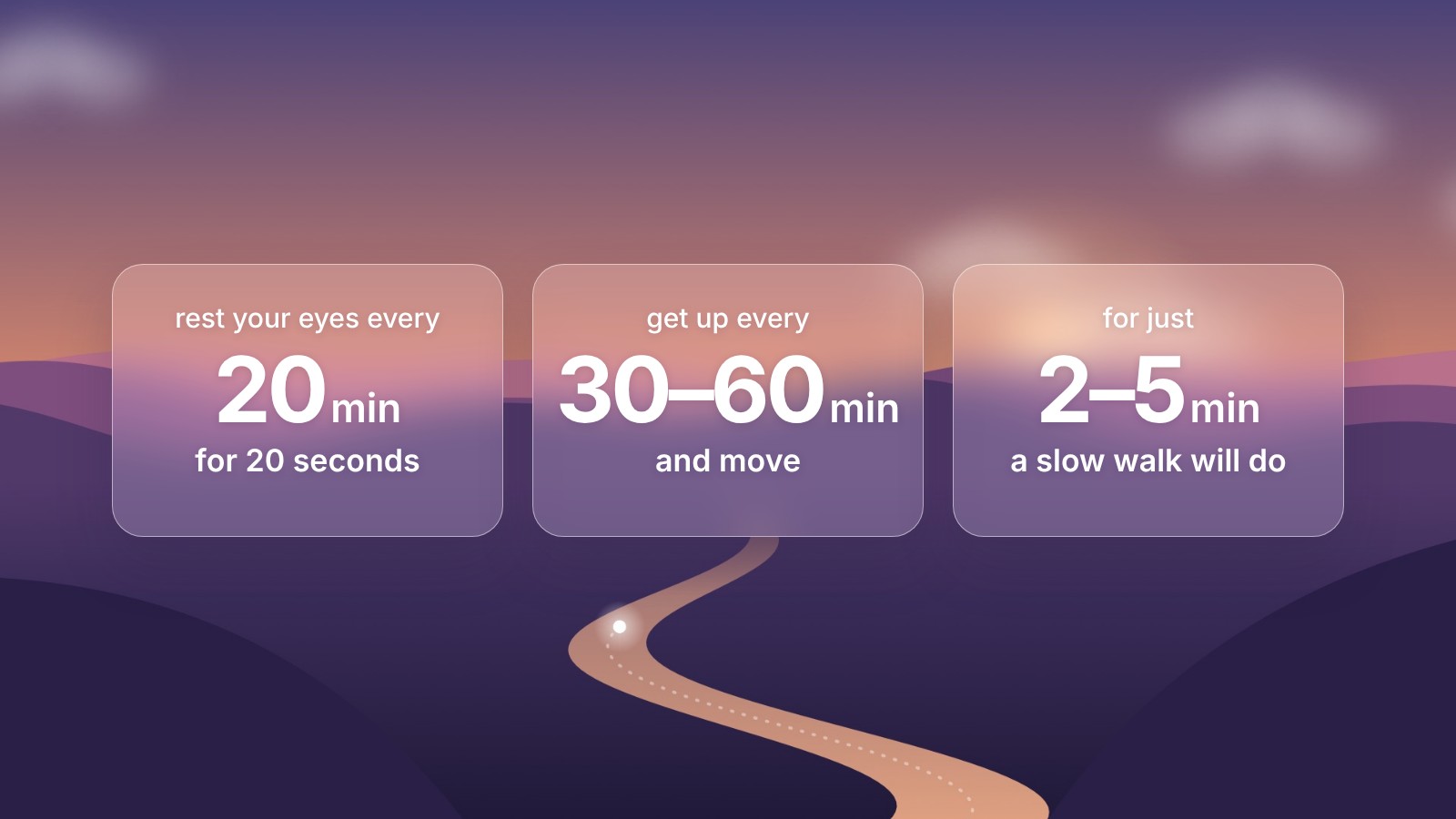
Meander sits in the menu bar. Out of the box it asks you to get up and move for 5 minutes every hour, and you can switch it to 20-second eye breaks every 20 minutes for the 20-20-20 rule. Thirty seconds before a break, a card slides in at the top of the screen so you can finish what you're typing. Then the screen fills with a quiet valley that changes with the time of day.
The part we care about most is that it waits. If you're on a Zoom, Meet or Teams call, watching something, playing a game, sharing your screen or in the middle of typing, the break holds until you're done. Lock your Mac or walk away for 5 minutes and it counts that as a break. There are optional blink and posture nudges between breaks, and a Stats page if you like to see how you're doing.
It's Mac only. If you also work on a Windows or Linux machine, look at Stretchly or BreakTimer instead.
Stretchly
Stretchly is free and open source, and it runs on Mac, Windows and Linux. Its defaults are busier than most: a 20-second mini break every 10 minutes and a 5-minute break every 30. It warns you before each one, and pauses if you've been idle for 5 minutes or have Do Not Disturb on.
It won't notice a call by itself, though you can give it a list of apps to pause for. A few settings are kept for people who support the project on GitHub or Patreon, or contribute code or translations. It's built on Electron, so it's a bigger download than a native Mac app.
If you move between operating systems, or you want to read the code, it's a good choice.
BreakTimer
BreakTimer is another free, open-source option for all three systems, and the plainest of the five. You set how often breaks come and how long they last, pick a notification or a full-screen break, and can limit it to working hours. It can restart the countdown after you've been idle. There's not much more to it, which is the appeal.
Time Out
Time Out, by Dejal, is one of the oldest break apps on the Mac. It runs two rhythms at once: micro breaks, usually 15 seconds every 15 minutes, and normal breaks, usually 10 minutes every hour. It notices when you step away and counts that time.
It's free to download, with supporter plans from $1.99 a month or $59.99 for life. Two things to know before you install it: the current version needs macOS 26, and its App Store privacy label says it collects your name, email address and diagnostics, linked to you.
LookAway
LookAway is the closest thing to Meander on this list. It pauses for meetings, calls, videos, screen sharing, recordings and full-screen games, and it has blink and posture reminders and usage stats. It goes further with scheduled breaks at set times, automations and an iPhone companion app.
There's no free version. You get a 7-day trial, then a licence costs $19 for one Mac with a year of updates, bought from its website. On the Mac App Store it's sold as a plan instead: $4.99 a month, $14.99 a year or $49.99 for life. Its App Store privacy label lists usage data and diagnostics, not linked to you, partly for analytics, and its stats track which apps and websites you use. Our LookAway comparison goes into more detail. If you need scheduled breaks or automations, it's worth paying for. If you don't, Meander covers the rest for free.
How to choose
Start with your calls. If you spend a lot of the day in meetings, a reminder that interrupts them won't last long, so pick one that waits on its own: Meander, or LookAway if you're happy to pay.
If you use more than one kind of computer, Stretchly or BreakTimer will follow you around.
If privacy matters to you, check the App Store labels. Meander collects nothing. Time Out and LookAway both list data they collect.
And you don't need to pay for any of this. Meander and BreakTimer are free with nothing held back, and Stretchly nearly so.
For most people on a Mac, we'd start with Meander, and if it doesn't suit you, any of the others is a reasonable next try. Honestly, the habit matters more than the app. The research on breaks shows that the benefits last only while you keep taking them. So pick the one you'll actually leave switched on.
Sources
- Meander and its privacy policy
- Stretchly on GitHub
- BreakTimer on GitHub
- Time Out on the Mac App Store
- LookAway on the Mac App Store and its own summary of features and pricing
- More on why breaks matter: the 20-20-20 rule and long stretches of sitting