Meander
Free, private break reminders for your Mac
You weren’t meant to sit at a screen all day.
Every hour, Meander gently reminds you to get up and move for a few minutes. It's private, never interrupts a call, a video or a game, and knows when you've already taken a break.
Free forever · Version 1.10 · macOS 13 or later · No tracking
Backed by research
Studies link a short walk every hour to a longer life, lower blood pressure, more energy and a better mood.
-
A longer life
Across almost 8,000 adults, long unbroken stretches of sitting were linked to a higher risk of death, even in people who exercised.
Diaz et al., 2017 Ann Intern Med -
Lower blood pressure
Walking breaks, even just once an hour, lowered blood pressure by 4 to 5 points compared with sitting all day.
Duran et al., 2023 Med Sci Sports Exerc -
More energy
Office workers who walked 5 minutes every hour were less tired and had fewer food cravings by the end of the day.
Bergouignan et al., 2016 Int J Behav Nutr Phys Act -
Better mood
The same hourly walks lifted people’s mood by the end of the day. One long walk in the morning didn’t do the same.
Bergouignan et al., 2016 Int J Behav Nutr Phys Act
Breaks that wait for you
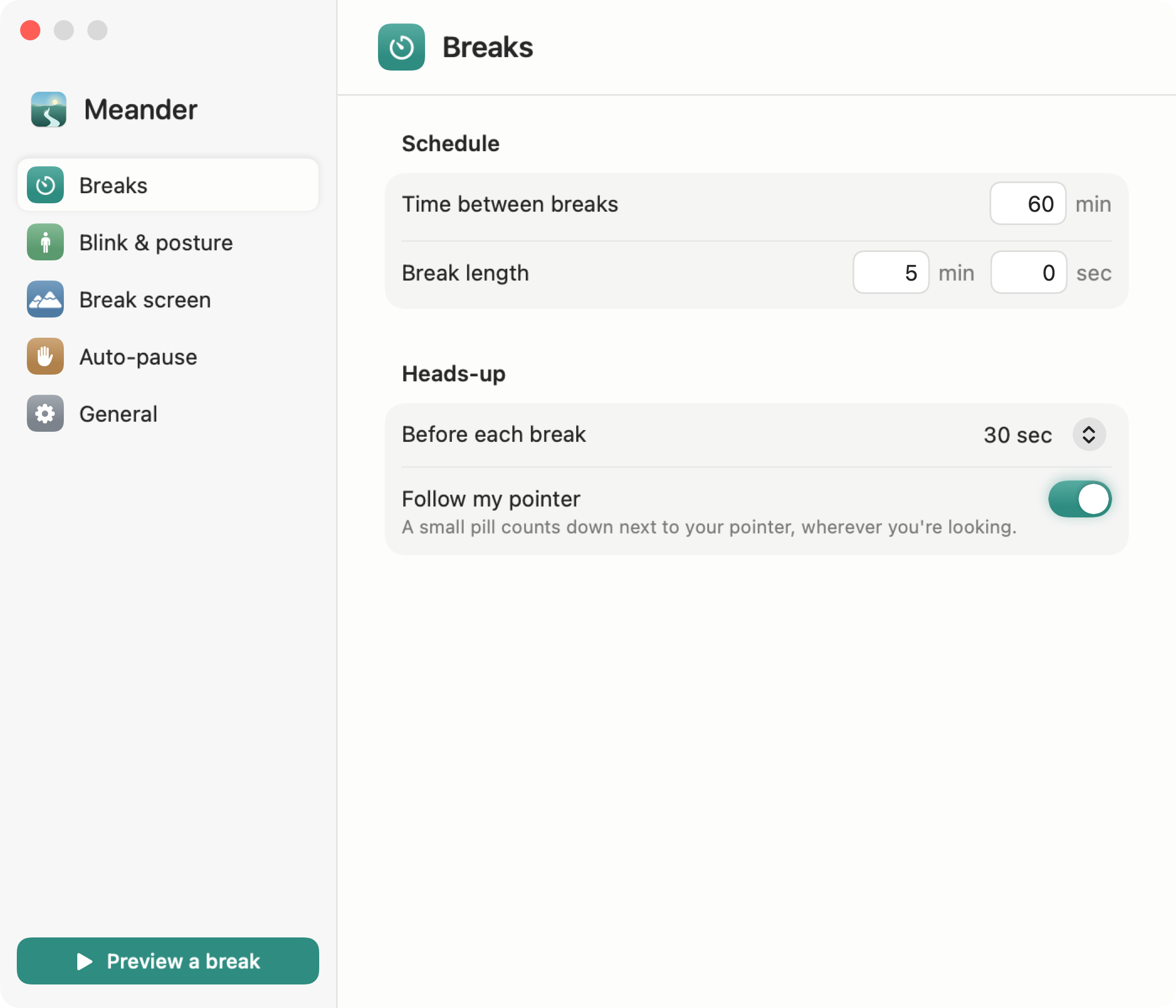
Meander keeps the count in your menu bar, gives you a heads-up before each break, and holds off while you're busy.
Stretch your legs every hour
Once an hour, Meander asks you to get up and step away for 5 minutes. Change the timing to suit how you work.
A heads-up first
Thirty seconds before each break, a card eases in at the top of your screen, so you can finish your thought and settle into the break. Snooze it or start early.
Counts the breaks you take yourself
Lock your Mac, let it sleep or step away for 5 minutes, and Meander counts it as a break. The countdown starts over when you’re back.
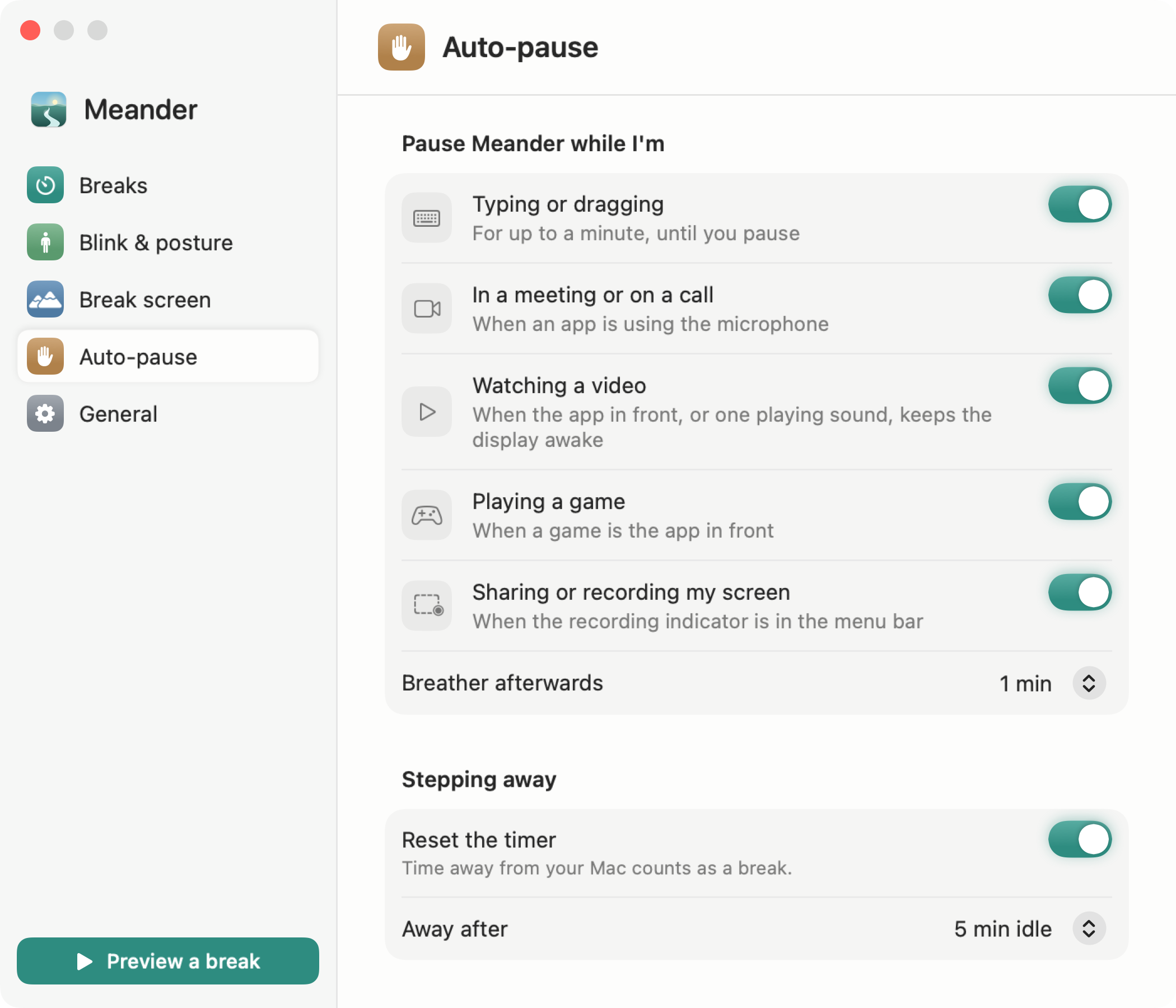
Never interrupts you
- On a Zoom, Meet or Teams call
- Watching a video
- Playing a game
- Sharing your screen
- Typing or dragging
Private by design
Our privacy policy is a 2 minute read.
- No permissions to grant
- Sandboxed by macOS
- No analytics, ads or tracking
- No account
Make it yours
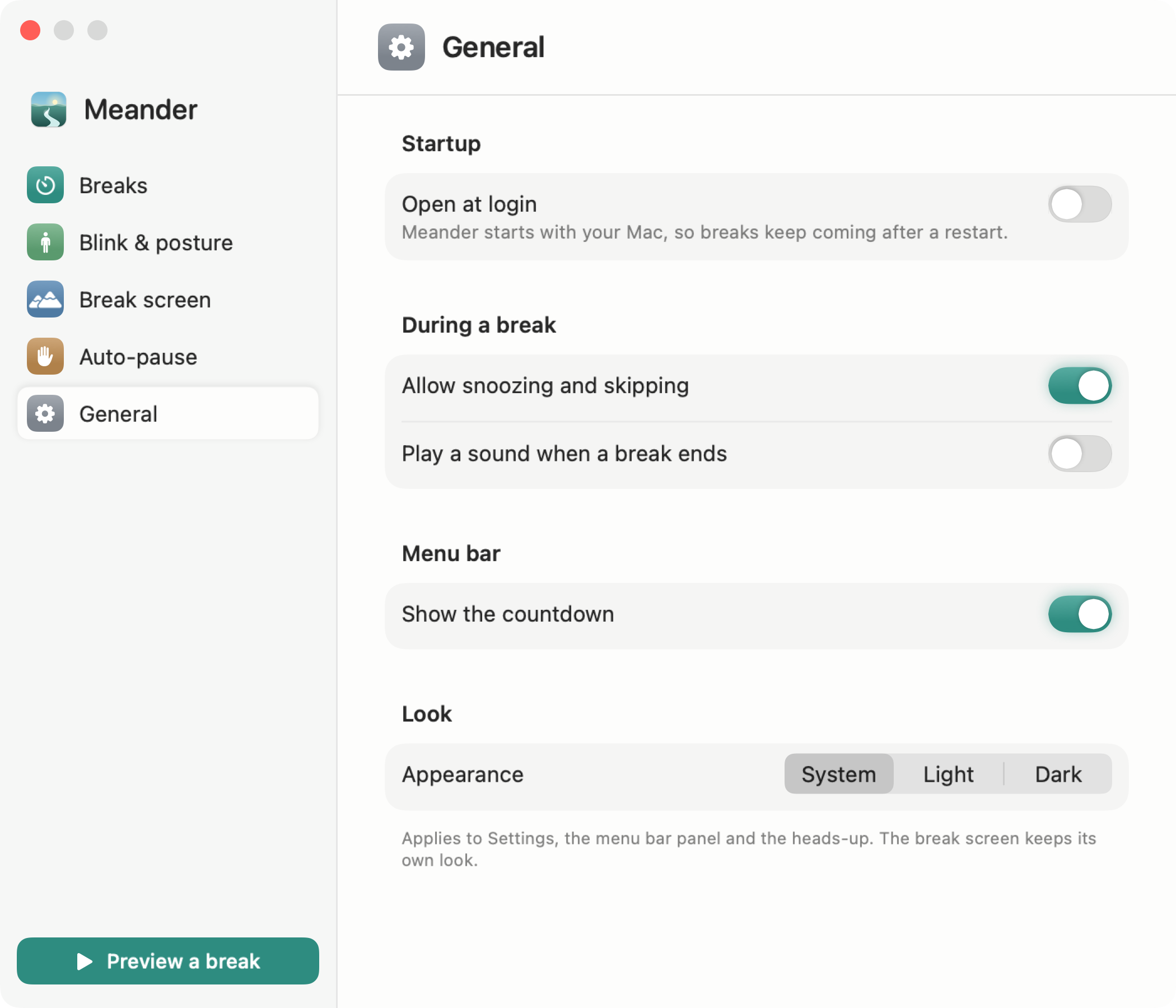
Choose how often breaks come, how long they last, and what they look like.
Questions
Is Meander free?
Yes. Meander is free forever, with no ads and no account to make.
Does Meander collect my data?
No. Meander doesn't collect, store or share any personal data. Everything it checks to avoid interrupting you stays on your Mac.
Which version of macOS does Meander need?
Meander runs on macOS 13 Ventura or later.
Will Meander interrupt my Zoom, Meet or Teams calls?
No. Meander holds a break while you're on a call, watching a video, playing a game, sharing your screen or typing, and starts it once you're done.
How does Meander know not to interrupt me at the wrong moment?
It only looks at simple on/off signals that macOS shares with every app, like whether the microphone is in use or a video is playing. It never hears, sees or reads anything, which is why it needs no permissions.
Does Meander need access to my microphone, camera or screen?
No. Meander never asks for any permissions. It only checks whether your microphone or screen is in use, never what's on them.
Can I use Meander for the 20-20-20 rule?
Yes. Set breaks to come every 20 minutes and last 20 seconds, and Meander will remind you to look away from the screen and rest your eyes.
Does Meander count breaks I take on my own?
Yes. If you lock your Mac, let it sleep or step away for 5 minutes, Meander counts it as a break and starts the countdown over when you're back.
Can I see how well I'm keeping up with breaks?
Yes. Meander's Stats page shows your work stretches for today and the last 7 days, with a score for how much of your work time came before a break was due. It keeps two weeks of break times on your Mac, never sends them anywhere, and you can clear them at any time.
A calm view for every break
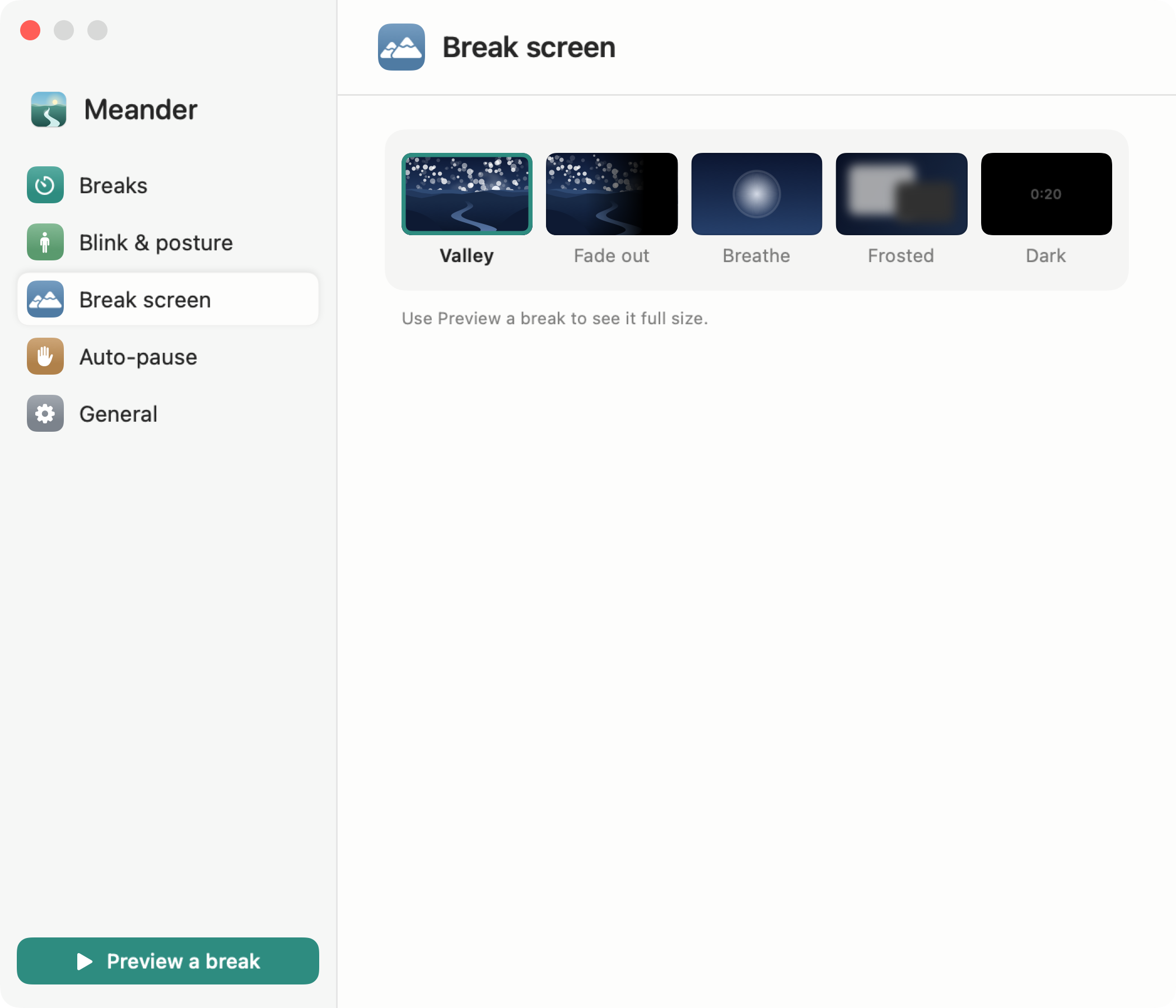
The break screen is a quiet valley that follows the time of day, with a light drifting toward the horizon.




Or pick a breathing light, a frosted desktop or a plain dark screen.
Free forever · Version 1.10 · macOS 13 or later