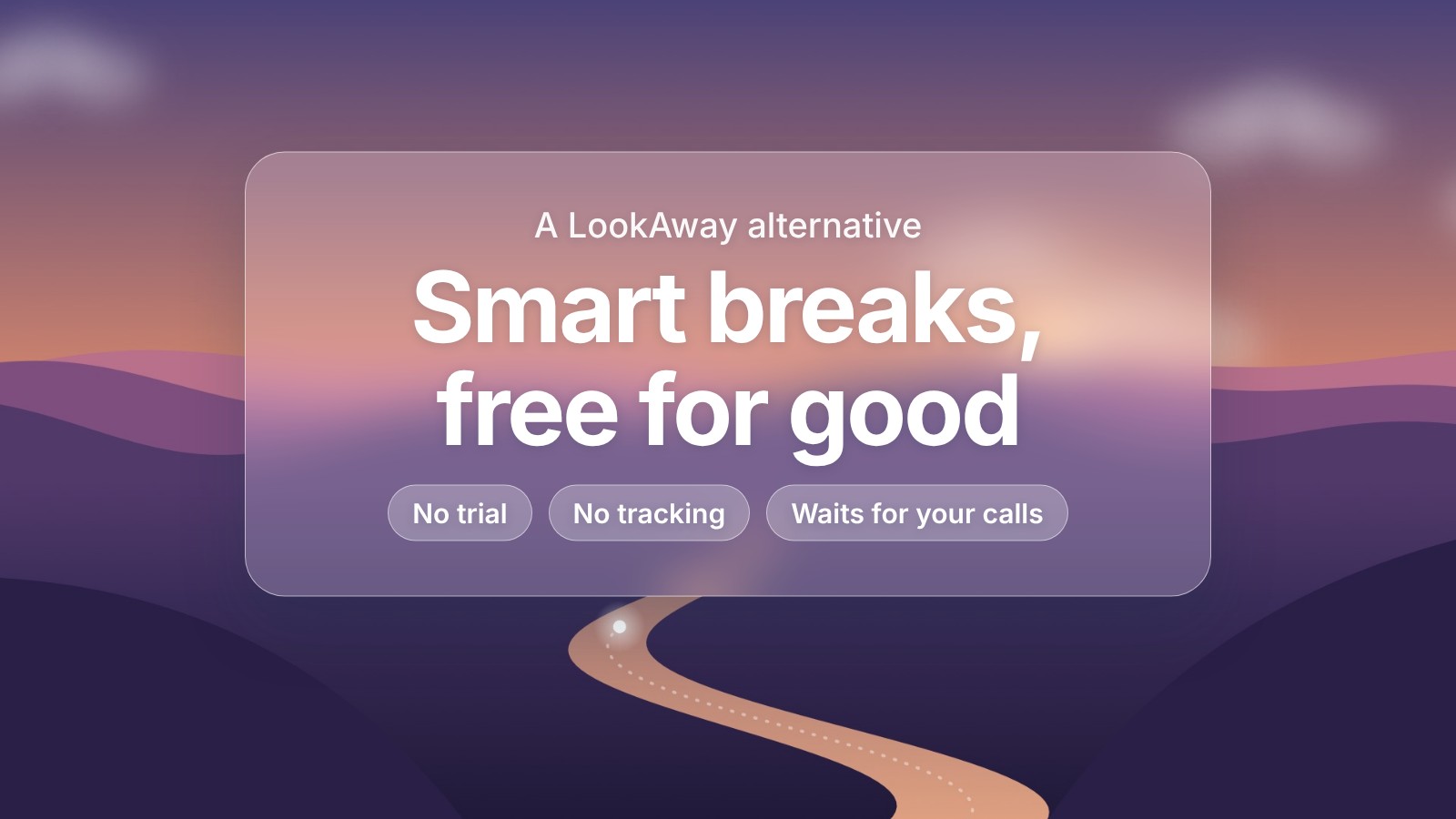
LookAway is one of the best break reminders on the Mac. It pauses for meetings and videos, it has blink and posture reminders, and it's clearly made with care.
It isn't free, though. After a 7-day trial you need a licence, and its stats work by tracking which apps and websites you use. If either of those puts you off, Meander covers most of the same ground for nothing, and keeps nothing.
We make Meander, so read this with that in mind. Everything we say about LookAway comes from its own website and App Store listing, linked at the end.
Meander and LookAway compared
| Meander | LookAway | |
|---|---|---|
| Price | Free | 7-day trial, then $19 once for one Mac with a year of updates, or an App Store plan |
| Needs | macOS 13 or later | macOS 13 or later |
| Waits for calls, videos, games and screen sharing | Yes | Yes |
| Counts breaks you take yourself | Yes | Yes |
| Blink and posture reminders | Yes | Yes |
| Stats | Your work stretches and breaks, kept on your Mac for two weeks | Screen time, and which apps and websites you use |
| Analytics | None | Anonymous usage analytics, which you can turn off |
| Scheduled breaks, automations, iPhone app | No | Yes |
What you get with Meander
The core of what people pay LookAway for is Smart Pause, and Meander does the same thing for free. When you're on a call, watching a video, gaming, sharing your screen or typing, the break waits. It starts once you're done. You don't set anything up, and it never asks for permission to see your screen or hear your microphone, because it only checks whether they're in use.
You get blink and posture reminders between breaks, a heads-up card 30 seconds before each one, and a break screen with a quiet valley that follows the time of day.
The bigger difference is privacy. Meander's stats only record when you worked and when you took a break. It never looks at which apps you use or which sites you visit, and it has no analytics of any kind. Its privacy policy is short enough to read in two minutes.
What LookAway does that Meander doesn't
LookAway does a lot more, and if you want any of it, it's worth the money. You can plan breaks at set times, like lunch. You can automate it with Shortcuts, AppleScript and Focus filters. It shows a detailed picture of your screen time, app by app. And its iPhone companion mirrors your Mac's breaks and can block distracting apps.
Meander doesn't do any of that, on purpose. It's meant to be a small app that reminds you to take breaks and then gets out of the way.
Which to choose
If you want breaks that respect your calls, plus blink and posture reminders, and you'd rather not pay or be tracked, try Meander. If you live in Shortcuts, want your breaks planned around your calendar, or like detailed screen time reports, LookAway is the better fit.
Our comparison of the best break reminder apps for Mac covers three more options, and our guide to how often to take breaks from the computer can help you pick a rhythm, whichever app you use.
Sources
- LookAway's own summary of its features, pricing and data, checked November 2026
- LookAway on the Mac App Store
- Meander and its privacy policy