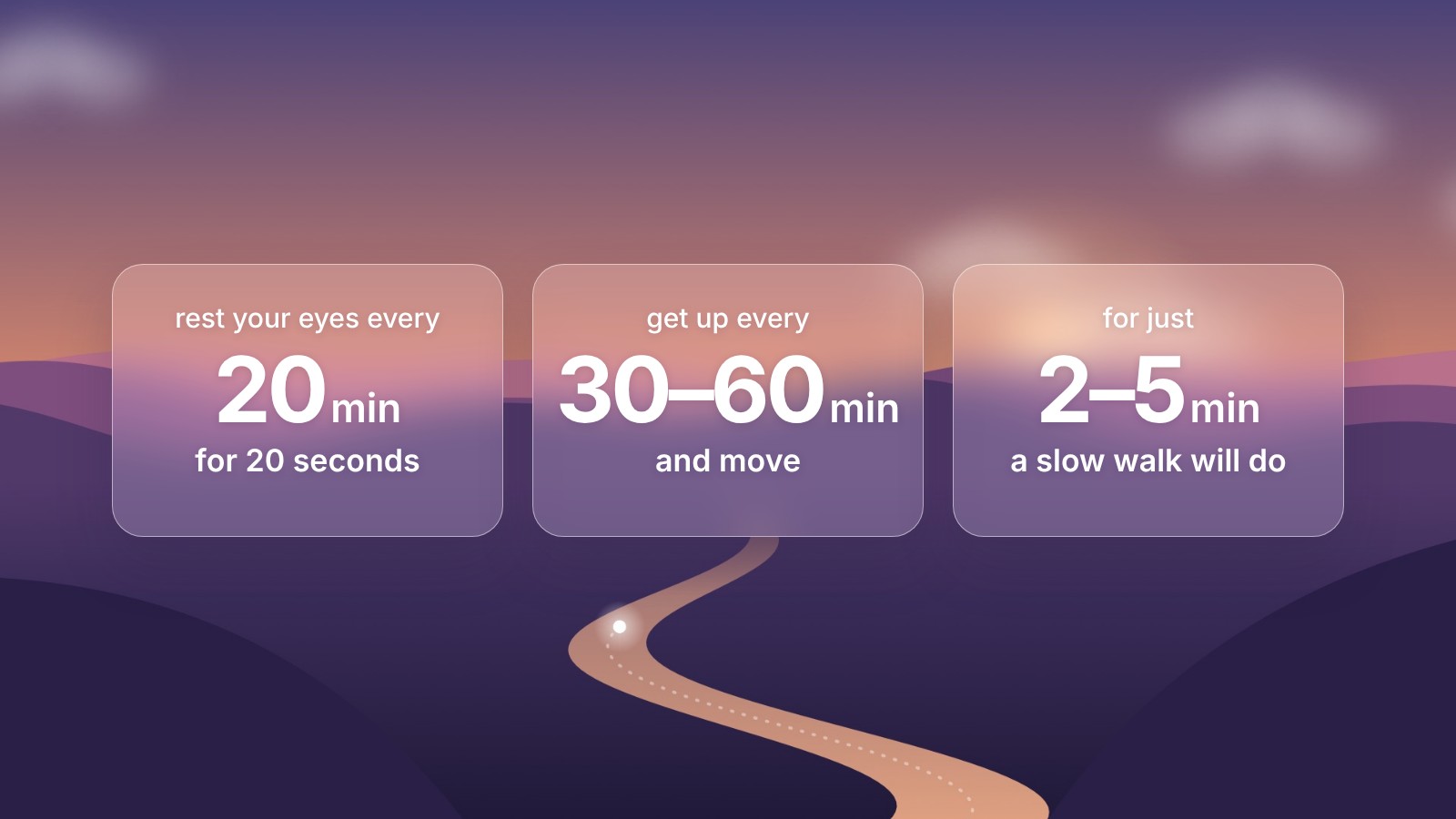
The 20-20-20 rule is the most common advice for tired eyes at a screen: every 20 minutes, look at something 20 feet away for 20 seconds. It's easy to remember. Actually doing it is another matter, because nobody notices 20 minutes go by when they're busy.
That's the job of a reminder app. Meander is a free one for the Mac, and it takes about ten seconds to set up for 20-20-20.
How to set it up
- Download Meander and drag it to Applications.
- Open Settings from Meander's menu bar icon, and go to Breaks.
- Set Time between breaks to 20 min and Break length to 20 sec.
Any break shorter than a minute becomes an eye break. The screen asks you to look into the distance and offers a small idea, like picking out the smallest detail you can see through a window.
Your body needs breaks too, and the research says getting up every hour or so matters at least as much as resting your eyes. Meander runs one rhythm at a time, so if moving matters more to you, its default of 5 minutes every hour is the better setting. Our guide to how often to take breaks from the computer walks through what the studies say.
Why an app helps
A 2023 trial by Talens-Estarelles and colleagues gave 29 computer users software that reminded them to follow the 20-20-20 rule. After two weeks, their eye strain and dry eye symptoms had eased. A week after the reminders stopped, the symptoms came back.
So the rule helps, but only while you keep it up, and people stop the moment nothing reminds them. That's the whole argument for an app.
Why one that waits matters
A reminder that pops up every 20 minutes will often land at a bad time: halfway through a sentence on a call, at the best part of a video, mid-game. That's how most break reminders end up switched off.
Meander checks simple on/off signals that macOS shares with every app, like whether the microphone is in use or a video is playing. If you're busy, it holds the break and starts it once you're done. It never hears, sees or reads anything, which is why it needs no permissions.
Thirty seconds before each break, a small card eases in at the top of your screen so you can finish your thought. You can snooze it or start early.
Blink reminders
Screens make you blink less. The American Academy of Ophthalmology says people normally blink about 15 times a minute, and that this can halve while looking at a screen. That's where the dry, gritty feeling comes from.
Meander can remind you to blink between breaks, every 5 to 60 minutes. The reminders are timed so they don't land right after a break, since a break already rests your eyes. There are optional posture reminders too, for when you notice yourself hunched over the keyboard.
Other 20-20-20 apps for Mac
Meander isn't the only option. LookAway also waits for calls and has blink reminders, on a paid plan. Stretchly is free and runs on Windows and Linux too, but it doesn't detect calls on its own. Our comparison of the best break reminder apps for Mac covers five of them side by side.
This article is general information, not medical advice. If your eyes still bother you after a few weeks of regular breaks, or you get headaches or blurred vision, see an optometrist.
Sources
- Talens-Estarelles and others, The effects of breaks on digital eye strain, dry eye and binocular vision: Testing the 20-20-20 rule, Contact Lens and Anterior Eye, 2023
- American Academy of Ophthalmology, Computers, digital devices, and eye strain